
Best AI Art Generator in 2026
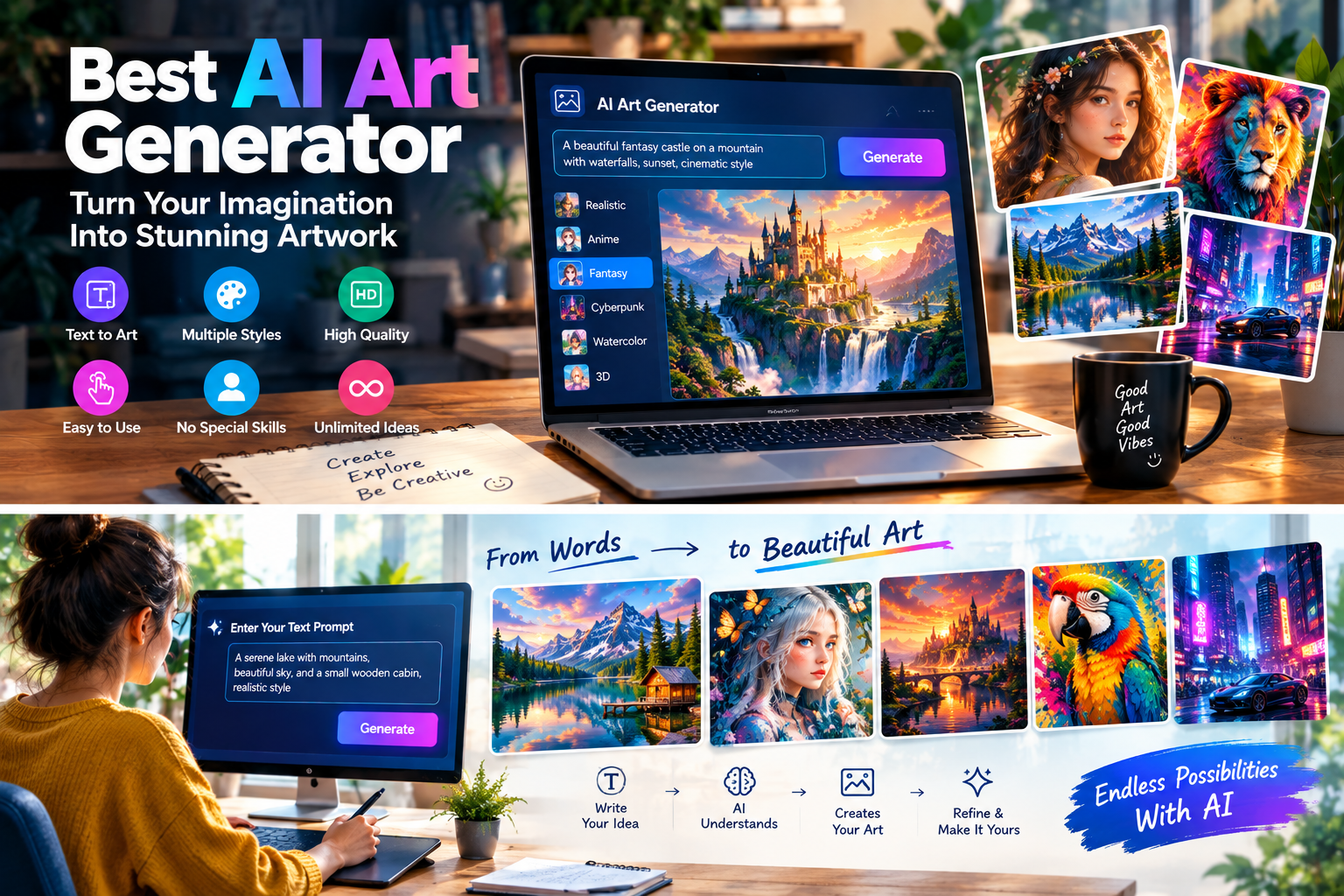
Artificial intelligence has opened a completely new world of digital creativity. In the past, creating impressive artwork often required years of drawing practice, professional software, or access to expensive design tools. Today, an AI Art Generator can help transform a simple idea into detailed digital artwork using artificial intelligence. Users can describe a scene, character, environment, concept, or artistic style and allow an AI model to create a visual interpretation. These tools are useful for artists, bloggers, designers, content creators, marketers, students, and people who simply enjoy experimenting with creative ideas. From colorful illustrations and fantasy environments to realistic digital paintings and concept art, AI art generators have made visual experimentation faster and easier for a much wider audience.
What Is an AI Art Generator?
An AI art generator is a software platform that uses artificial intelligence to create artwork based on user instructions. The instructions can be provided as text prompts, reference images, or a combination of different inputs depending on the platform. Instead of manually drawing every object, users can describe what they want the final artwork to look like and allow the AI to generate one or more visual results. Some tools specialize in artistic styles, while others offer a mixture of realistic, illustrated, cinematic, three-dimensional, and experimental outputs. Modern AI art generators can also include editing features that allow users to modify an existing image, replace backgrounds, expand a composition, or generate variations. This combination of generation and editing makes AI art useful not only for entertainment but also for practical creative projects.
AI Art vs Traditional Digital Art
Traditional digital art gives an artist detailed control over every part of an image, while AI art generation focuses on interpreting instructions and producing a visual result automatically. AI does not eliminate the value of traditional artistic skills; instead, it provides another way to explore ideas. Artists can use generated images as references, concept ideas, or starting points and then refine them using conventional creative software.
How Does an AI Art Generator Work?
AI art generators use advanced machine-learning models designed to understand relationships between language and visual patterns. When a user enters a prompt, the system analyzes the description and attempts to translate concepts such as subject, composition, color, lighting, environment, and artistic style into a visual output. The exact technology differs between platforms, but the user generally follows a simple process: enter an idea, generate an image, review the result, and refine the instructions. Some tools allow users to generate multiple variations so they can compare different interpretations of the same concept. The quality of the result depends on the AI model, the prompt, the selected settings, and the complexity of the requested artwork. Learning how a particular platform responds to different prompts can therefore make a significant difference in the quality of the final result.
Best AI Art Generators to Explore
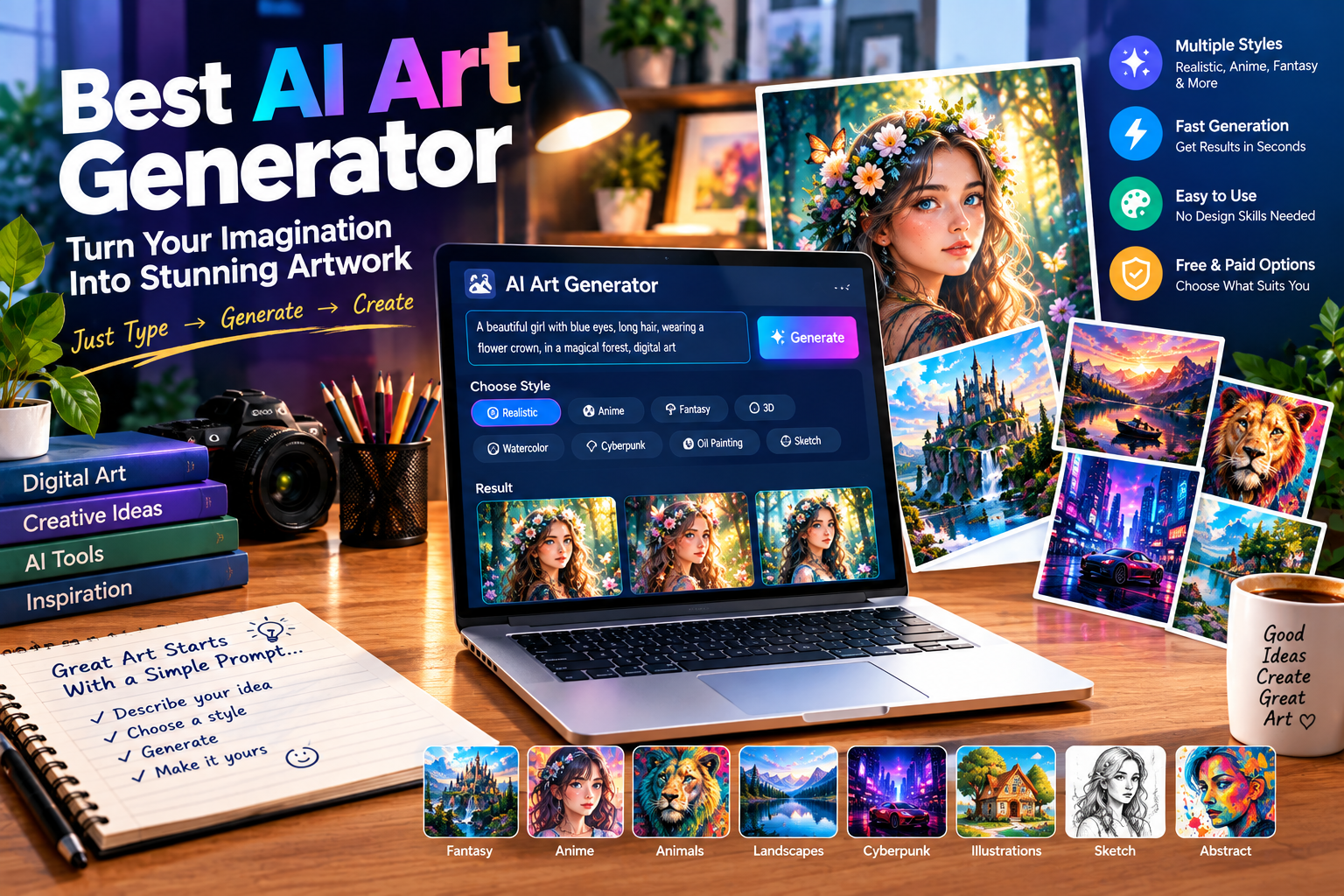
There are many AI-powered platforms available for creating artwork, and each has its own approach to image generation. ChatGPT can be useful for users who prefer a conversational workflow in which they describe an idea and refine it through additional instructions. Midjourney is known for creative and highly stylized visual results and can be useful for concept art, fantasy scenes, illustrations, and cinematic compositions. Adobe Firefly provides generative features within Adobe’s broader creative ecosystem, making it useful for people who already work with Adobe tools. Google also provides generative AI capabilities for creative tasks. Other platforms may focus on specific artistic styles, image editing, character creation, or specialized workflows. Rather than choosing a tool based only on popularity, users should consider the type of artwork they want to create, available features, ease of use, pricing, generation limits, and applicable usage rights.
Finding the Right AI Art Generator
The right tool depends on the project. An illustrator may want strong artistic controls, while a beginner may prefer a simple interface. A content creator may prioritize fast generation, while a professional designer may need advanced editing and workflow integration. Trying similar prompts across multiple platforms can help users understand the differences between their results and creative controls.
Why Use the Best AI Art Generator?
AI art generators can save considerable time during the creative process. Instead of spending hours developing an initial concept manually, users can generate several ideas and decide which direction to explore further. This can be particularly useful during brainstorming because AI allows users to visualize ideas that may otherwise be difficult to explain. For example, someone planning a fantasy story can create visual concepts for fictional environments, buildings, characters, or landscapes. A designer can explore different color schemes and compositions before beginning a detailed project. AI art can also make creative experimentation more accessible to people who do not have advanced drawing skills. However, the best results often come when users actively guide the AI and refine the generated output rather than expecting a perfect image from a single prompt.
How to Create Better AI Artwork With Prompts
Writing a detailed and organized prompt is one of the most useful skills for AI art generation. A good prompt should clearly communicate the main subject and then provide important information about the setting, mood, lighting, composition, and artistic direction. For example, instead of asking for “a fantasy castle,” a user could describe a majestic fantasy castle surrounded by waterfalls, mountains, mist, dramatic clouds, warm sunset lighting, and a cinematic digital-art appearance. Such a description gives the AI more visual information to interpret. However, prompts should remain focused. Adding too many unrelated ideas can make the final composition less consistent. The best approach is often to start with the most important elements, generate an image, identify what needs improvement, and then adjust the prompt.
Prompt Elements That Matter
Useful prompt elements can include the subject, environment, action, lighting, colors, perspective, mood, composition, and artistic style. You do not need to use all of them in every prompt. Select the details that are important to the image you are trying to create and describe them clearly.
Popular AI Art Styles
One of the most exciting aspects of AI art generators is the ability to experiment with different visual styles. Depending on the platform, users may be able to create realistic digital paintings, watercolor-style artwork, cartoon illustrations, fantasy art, futuristic scenes, cinematic compositions, three-dimensional concepts, and abstract visuals. A single idea can therefore be explored in several artistic directions. For example, a mountain landscape could be transformed into a realistic photographic scene, a colorful illustration, a fantasy painting, or a futuristic environment. This flexibility makes AI art useful for experimentation and concept development. Users should remember that style terminology can produce different results depending on the model, so experimenting with descriptive language is often more effective than relying on one specific style keyword.
AI Art Generator for Bloggers and Content Creators
Bloggers and content creators can use AI art generators to create custom visuals that support their content. A technology website might use futuristic AI artwork for an article about artificial intelligence, while a gaming website could create imaginative landscapes or fictional environments for an article. Social media creators can also use AI-generated artwork for backgrounds, creative posts, thumbnails, and visual concepts. One advantage is that the image can be designed around the exact topic instead of relying on a generic stock image. However, creators should review generated images carefully before publishing them and check the relevant platform terms regarding licensing and commercial use. AI-generated visuals should also complement the content rather than replacing useful information.
Creating Visuals for Articles
When adding AI artwork to a blog article, images should be placed naturally near the section they support. A hero image can introduce the main topic, while additional illustrations can be used in the middle of an article to break up long sections and explain concepts visually.
AI Art Generator for Designers and Artists
Professional designers and artists can use AI art generators as creative assistants. Instead of treating AI as a complete replacement for the creative process, users can employ it to brainstorm concepts, explore compositions, test visual directions, and generate references. For example, an artist working on a fantasy project could generate several environment concepts before deciding which visual direction to develop manually. Designers can also use AI to explore ideas for posters, presentations, advertisements, websites, and other creative materials. The generated result can then be edited or combined with traditional design techniques. This workflow can save time during early experimentation while still allowing the human creator to make the final creative decisions.
Free AI Art Generator Options
Many people search for a free AI Art Generator because they want to experiment without paying for a subscription. Some platforms offer free generations, but the available features may be limited. Free plans can include restrictions on the number of images, generation speed, resolution, advanced models, or editing capabilities. These limitations are not necessarily a problem for casual users who only want to create a few images. People who generate artwork regularly may need additional credits or a paid plan. Before choosing a free AI art generator, users should examine its current terms, image-quality options, usage limits, and licensing conditions. Most importantly, users should not assume that an image is automatically suitable for commercial use simply because it was generated through a free service.
Benefits and Limitations of AI Art Generators
AI art generators provide several benefits, including fast visual creation, creative experimentation, accessibility, and the ability to explore concepts that may be difficult to produce manually. They can help beginners participate in digital creativity while giving experienced artists another tool for brainstorming and experimentation. However, AI-generated artwork also has limitations. Results can sometimes contain incorrect details, unusual proportions, inconsistent objects, or compositions that do not match the prompt perfectly. Different models may also interpret the same description in completely different ways. Users should therefore review generated images carefully and make adjustments when necessary. It is also important to understand the platform’s terms, especially when artwork will be used publicly or commercially.
Human Creativity Still Matters
AI can generate visual possibilities, but the user remains responsible for deciding what idea to pursue, how to describe it, which result to select, and how to refine the final artwork. Human creativity, judgment, editing, and storytelling continue to play an important role in producing meaningful visual content.
AI Art Generator for Businesses
Businesses can use AI-generated artwork for brainstorming, marketing concepts, presentations, social media campaigns, website visuals, and creative planning. A marketing team might generate several visual concepts for a campaign before selecting one for further development. A small business can also experiment with promotional artwork without needing to create every concept from scratch. AI can be particularly helpful during the early stages of a project because it allows teams to visualize ideas quickly. Nevertheless, businesses should carefully review commercial-use terms and ensure that generated artwork fits their branding and communication requirements. Important marketing materials should also be checked for visual accuracy and consistency before publication.
How to Choose the Best AI Art Generator
Choosing the Best AI Art Generator requires looking beyond image quality alone. Users should consider the types of artwork they want to create, the platform’s ease of use, available styles, editing features, generation speed, resolution, pricing, and usage rights. Beginners may prefer a straightforward interface, while experienced users may want advanced controls and greater customization. It is also useful to consider whether the platform supports reference images, variations, image editing, or other features that match your workflow. Testing several tools can provide a clearer understanding of their strengths because AI models can respond differently to the same prompt. A good tool should make the creative process easier while giving users enough control to develop their own ideas.
Future of AI Art Generation
AI art technology is continuing to develop, and future systems are likely to offer greater control, improved consistency, more accurate compositions, and increasingly sophisticated editing features. Users may gain more precise control over individual objects, characters, lighting, backgrounds, and artistic elements. AI image generation may also become more closely connected with animation, video, graphic design, and other creative workflows. These developments could make it easier to move from an initial concept to a complete creative project. At the same time, responsible use will remain important as AI-generated content becomes more common. Understanding licensing, originality, consent, and platform policies will be just as important as learning how to write effective prompts.
Final Thoughts
The Best AI Art Generator can be a powerful creative tool for turning ideas into digital artwork. Whether you are an artist, blogger, designer, content creator, marketer, student, or business owner, AI can help you explore visual concepts quickly and experiment with styles that might otherwise take considerable time to produce. The ideal platform depends on your personal requirements, including image quality, artistic flexibility, editing capabilities, ease of use, cost, and usage rights. For beginners, starting with simple prompts and experimenting with different styles is an effective way to learn. For experienced creators, AI can become another part of a broader creative workflow. As the technology continues to evolve, AI art generators are likely to provide even more opportunities for people to turn imagination into engaging visual experiences.