
AI Image Generator for YouTube Thumbnails
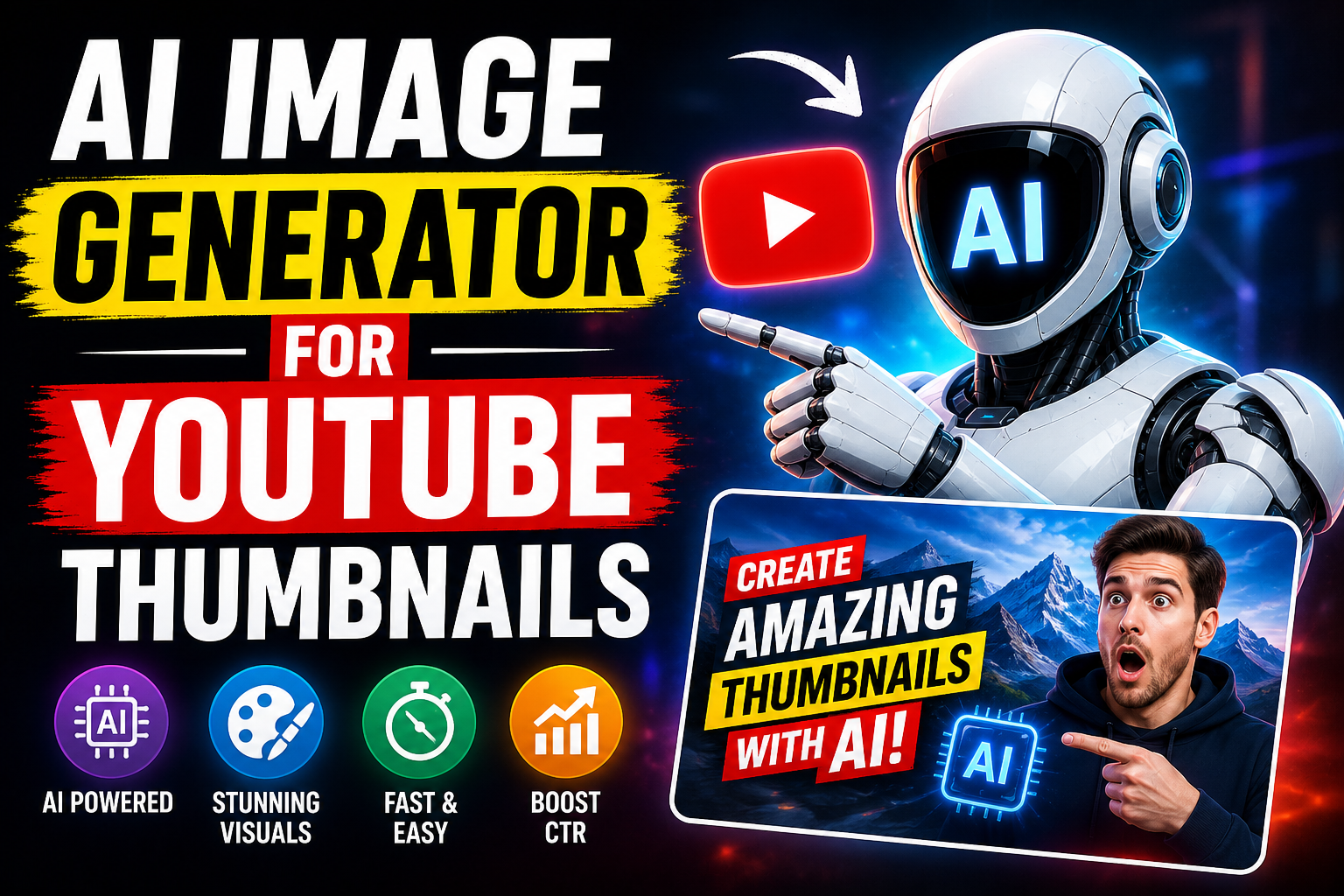
Creating an attractive YouTube thumbnail is one of the most important parts of publishing a video. A good thumbnail can quickly communicate what a video is about and encourage viewers to click and watch. However, creating professional thumbnails manually can take a lot of time, especially for creators who do not have advanced graphic design skills. An AI Image Generator for YouTube Thumbnails can make this process much easier by helping creators produce eye-catching visual concepts, backgrounds, characters, and complete thumbnail designs with the help of artificial intelligence.
What Is an AI Image Generator for YouTube Thumbnails?
An AI image generator for YouTube thumbnails is a tool that uses artificial intelligence to create images based on written instructions, commonly called prompts. Instead of designing every element from scratch, creators can describe the visual they want and let the AI generate a suitable image. These tools can be useful for creating backgrounds, objects, illustrations, characters, visual effects, and other elements that can later be combined into a YouTube thumbnail. Some modern AI tools can also help with layouts and text, although generated text should usually be checked carefully.
Why Are YouTube Thumbnails Important?
YouTube thumbnails provide viewers with an immediate visual idea of a video. When people browse through search results, recommendations, or a channel page, the thumbnail is one of the first things they notice. A clear and visually interesting thumbnail can help a video stand out among many competing videos. This does not mean that a thumbnail guarantees views, but it is an important part of presenting video content effectively. AI tools can help creators experiment with different visual approaches without spending hours designing every version manually.
How AI Can Help Create Better Thumbnail Concepts
The main advantage of using an AI Image Generator for YouTube Thumbnails is speed. A creator can enter a detailed prompt and receive a visual concept in a short amount of time. For example, a technology channel might ask an AI tool to create a futuristic computer background with dramatic lighting and space for a headline. A gaming creator could generate an exciting fantasy environment or an original game-inspired scene. These generated visuals can then be edited and combined with other elements to create a finished thumbnail.
Creating Thumbnails From Simple Prompts
One of the easiest ways to use AI for thumbnail creation is through text prompts. Instead of describing an entire graphic design process, creators can focus on the subject, mood, composition, lighting, and visual style they want. A prompt could request a dramatic close-up of a generic person reacting to a new technology product, with a bright background and empty space for thumbnail text. More detailed prompts generally give creators greater control over the resulting image, although several attempts may still be needed to achieve the desired result.
AI Thumbnail Ideas for Different YouTube Niches
AI image generators can be useful across many YouTube categories. Technology channels can create futuristic backgrounds and product-focused visuals, while gaming channels can generate exciting environments and original characters. Educational creators may use clean illustrations or conceptual graphics, and travel channels can create visually appealing destination-inspired compositions. Food channels can experiment with attractive food scenes, while entertainment creators can generate colorful backgrounds and creative visual concepts. The best approach depends on the subject of the video and the audience the channel is trying to reach.
How to Write an Effective AI Thumbnail Prompt
A good prompt should clearly describe the main subject and the desired visual composition. It can include details such as the subject, camera angle, lighting, background, mood, colors, and available space for text. For example, instead of simply asking for “a technology thumbnail,” a creator could describe a modern laptop on a futuristic desk, dramatic lighting, glowing digital elements, a high-contrast background, and clear empty space on one side for a headline. This additional information helps the AI understand the intended composition.
Leave Space for Thumbnail Text
Although AI can generate impressive visuals, adding important thumbnail text manually is often a better approach. AI-generated text can sometimes contain spelling mistakes, unusual characters, or distorted lettering. Creators can therefore generate the main visual first and then add the headline using a design or editing application. Leaving intentional empty space in the AI-generated image makes it easier to place a short title without covering the important visual elements.
Using AI for Thumbnail Backgrounds
Backgrounds are another area where AI image generation can be extremely useful. Instead of searching through large collections of stock images, creators can generate a background designed specifically for their video topic. A creator discussing artificial intelligence, for example, could generate a futuristic digital environment with glowing screens and abstract technology elements. The background can then be combined with a subject, headline, arrows, shapes, or other design elements during the editing process.
Generate Multiple Thumbnail Variations
One of the biggest benefits of AI is the ability to experiment. Rather than choosing the first generated image, creators can produce multiple variations featuring different compositions, lighting styles, backgrounds, and subjects. These variations can be compared to determine which one communicates the video topic most clearly. Creating several concepts can also help a channel develop a consistent visual identity over time.
AI Thumbnails and Consistent Branding
A YouTube channel can benefit from having recognizable thumbnail designs. AI tools can contribute to this consistency by helping creators repeatedly generate visuals with similar themes and compositions. However, branding should not rely entirely on AI. Creators can establish consistent fonts, text placement, layouts, and visual elements manually. Combining AI-generated imagery with a consistent design system can create thumbnails that look connected while still being different from one another.
AI Image Generator vs. Traditional Thumbnail Design
Traditional thumbnail design often involves finding images, removing backgrounds, adjusting colors, creating compositions, and adding text manually. AI image generation can reduce the amount of time required for some of these steps. It does not necessarily replace graphic design, however. In many cases, the most effective workflow combines AI-generated images with traditional editing. AI provides the visual starting point, while the creator controls the final layout, typography, branding, and message.
How to Make AI-Generated Thumbnails More Clickable
A strong thumbnail should communicate a simple idea quickly. Using too many objects or excessive visual effects can make the image confusing. Creators should focus on one main subject and maintain enough contrast between the subject and background. A short, readable headline can support the visual without overwhelming it. AI can help create dramatic imagery, but the creator still needs to make the final design understandable at the small size at which YouTube thumbnails are often displayed.
Common Mistakes to Avoid
There are several mistakes creators should avoid when using AI for thumbnails. One is creating an image that contains too many visual elements. Another is relying on generated text without checking it for errors. Using visuals that do not accurately represent the video can also create a poor viewer experience. Creators should make sure that the final thumbnail honestly represents the content of the video rather than using misleading imagery simply to attract attention. It is also important to review AI-generated images for unwanted artifacts or unusual details before publishing them.
A Simple AI Thumbnail Creation Workflow
Creating a thumbnail with AI can follow a straightforward process. First, identify the main idea of the video and decide what visual should communicate it. Next, write a detailed prompt describing the desired image. Generate several versions and select the concept that best matches the video’s subject. After that, edit the image by adding the channel’s branding, headline, and other necessary design elements. Finally, review the thumbnail at a smaller size to make sure the main message remains clear and readable.
Can Beginners Use AI Thumbnail Generators?
Yes, beginners can use AI image generators without having advanced design experience. Most AI tools are based on simple text prompts, so users can start with basic descriptions and improve their prompts through experimentation. Beginners can also use generated images as starting points rather than trying to create a complete professional thumbnail in one step. With practice, creators can learn how different prompt descriptions affect composition, lighting, and visual style.
The Future of AI YouTube Thumbnail Creation
AI-powered creative tools are continuing to develop, and thumbnail creation is likely to become increasingly accessible. Future tools may provide better control over compositions, typography, characters, brand consistency, and image editing. This could allow creators to move from an idea to a finished thumbnail more quickly. Even as these technologies improve, human creativity will remain important because the creator understands the video’s message, audience, and overall channel identity.
Final Thoughts
An AI Image Generator for YouTube Thumbnails can be a valuable tool for creators who want to develop attractive visual concepts quickly. It can help generate backgrounds, subjects, illustrations, and creative ideas while reducing some of the repetitive work involved in traditional design. However, AI should be treated as part of the creative workflow rather than a complete replacement for thoughtful design. By combining detailed prompts, strong visual composition, readable text, consistent branding, and careful editing, creators can produce thumbnails that clearly represent their videos and give their channels a professional appearance.